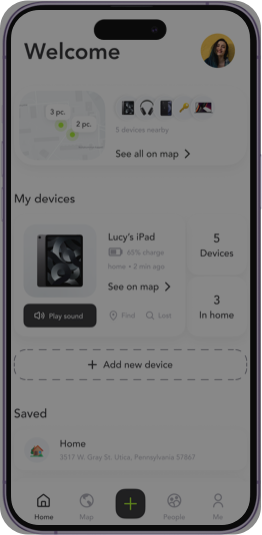
The ability to pinpoint your current location on a digital map is something many of us now take for granted. This powerful feature, often referred to as a ‘real-time map’ or ‘current location finder,’ relies on a sophisticated interplay of satellite signals, network data, and advanced algorithms. It transforms complex data into a simple, intuitive blue dot on your screen, guiding you through the world.
Understanding ‘Where I Am Right Now Map’: What Does It Mean?
At its core, ‘where I am right now map’ refers to the functionality that allows a device – typically a smartphone, tablet, or computer – to determine and display its precise physical location on a digital map. This location is usually represented by a marker, often a blue dot, which updates in real-time as you move. It’s about more than just a general area; it aims for an accurate, street-level geographic position.
This capability is crucial for a myriad of daily activities, from turn-by-turn navigation to finding nearby restaurants, sharing your whereabouts with loved ones, or even assisting emergency services in locating you during a crisis. It underpins countless location-based services that have become integral to modern life.
The Technology Behind Your Current Location
How does your device know exactly where it is? Several technologies work in concert to provide you with accurate location data. These methods vary in precision, speed, and their reliance on external infrastructure.
Global Positioning System (GPS)
The most widely recognized method, GPS, is a satellite-based navigation system owned by the United States government. It consists of a constellation of satellites orbiting Earth that transmit signals. Your device’s GPS receiver picks up these signals from at least four satellites, calculates the time difference, and uses trilateration to determine your precise latitude and longitude.
- How it works: Satellites send out signals that your device receives. By measuring the time it takes for these signals to arrive from multiple satellites, your device can calculate its distance from each.
- Accuracy: Outdoors, GPS can be accurate to within a few meters. Factors like tall buildings (urban canyons), heavy tree cover, and atmospheric conditions can affect its precision.
Wi-Fi Triangulation
In urban areas and indoors where GPS signals might be weak or unavailable, Wi-Fi triangulation plays a significant role. Your device scans for nearby Wi-Fi networks, records their unique MAC addresses, and estimates its position based on a database of known Wi-Fi hotspot locations and signal strengths.
- How it works: Your phone detects multiple Wi-Fi access points. By comparing the signal strength from these known access points, it can estimate its position.
- Complementary role: Wi-Fi location services are particularly effective indoors and in densely populated areas, often complementing GPS for a more robust location fix.
Cell Tower Triangulation (Cell ID)
Similar to Wi-Fi, your mobile device can also estimate its location by measuring the signal strength from nearby cellular towers. While less accurate than GPS or Wi-Fi triangulation (often only accurate to a few hundred meters or more), it’s a useful fallback, especially in areas with sparse Wi-Fi coverage.
IP Address Geolocation
When you access the internet, your device is assigned an IP address. This IP address can be used to determine a general geographic location, typically down to a city or region. However, it’s rarely precise enough for a ‘where I am right now map’ in the sense of street-level accuracy, as it’s based on the location of your internet service provider’s infrastructure.
How to Find Your Current Location Using Popular Tools
Most modern smartphones and computers offer straightforward ways to find your current location.
Google Maps: Your Go-To Solution
- On Mobile: Open the Google Maps app. You’ll typically see a blue dot indicating your current position. If not, tap the ‘My Location’ button (a target-like icon) usually found on the bottom right or left of the screen.
- On Desktop: Go to maps.google.com. Most browsers will ask for permission to access your location. Grant it, and a blue dot will appear.
Apple Maps: For iOS Users
- On Mobile: Open the Apple Maps app. Your current location will be shown as a blue dot. If it doesn’t appear, tap the location arrow icon.
Other Mapping Applications and Websites
Many other services provide location functionality: Waze (for traffic and navigation), Bing Maps, OpenStreetMap, and dedicated ‘find my location’ websites (e.g., ip-api.com, whatismybrowser.com/detect/what-is-my-location) can also show your current position, though often with varying levels of precision and features.
Practical Applications and Benefits
- Navigation and Travel: Essential for getting directions, exploring new places, finding points of interest, and avoiding traffic.
- Personal Safety and Emergency Services: In an emergency, location services can help first responders find you quickly. Many phones allow you to share your location with emergency contacts.
- Meeting Up with Friends and Family: Real-time location sharing makes coordinating meetups incredibly easy and reduces waiting times.
- Location-Based Services and Offers: Many apps provide relevant information, ads, or discounts based on your proximity to businesses or events.
- Tracking Devices and Assets: Features like ‘Find My Phone’ (Apple) or ‘Find My Device’ (Android) rely on location services to help you recover lost or stolen devices.
Accuracy and Limitations of Location Data
- Environmental Factors: Tall buildings (urban canyons), dense foliage, and tunnels can obstruct GPS signals.
- Signal Strength: Weaker Wi-Fi or cellular signals can result in less precise location estimates.
- Indoor vs. Outdoor: GPS works best outdoors with a clear view of the sky. Indoors, Wi-Fi and cellular triangulation become more critical.
- Device Capabilities: Older devices may have less sensitive GPS receivers or outdated Wi-Fi scanning capabilities.
- Battery Drain: Continuously using precise location services can consume a significant amount of battery power.
Privacy Concerns and Managing Your Location Data
Knowing your location is powerful, but it also raises significant privacy concerns. It’s crucial to understand who has access to your location data and how to manage it.
- Location Services Settings: Both iOS and Android allow you to enable or disable location services globally or for specific apps. Regularly review these settings.
- App Permissions: Be mindful of which apps request ‘Always’ access to your location versus ‘While Using the App’ or ‘Ask Next Time’. Granting ‘Always’ access means an app can track you in the background.
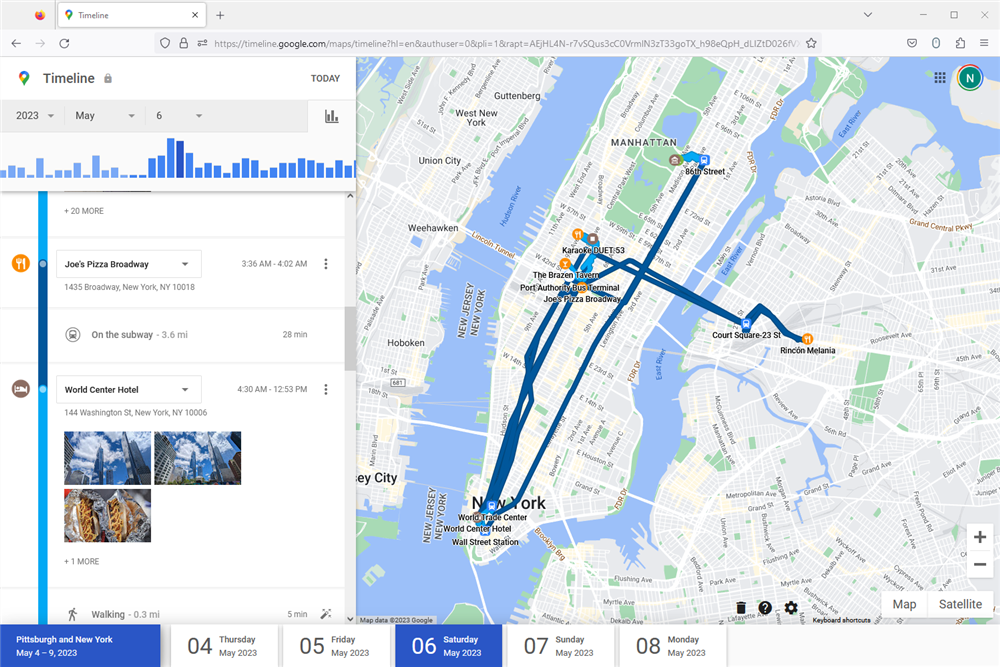
- Location History: Services like Google Maps often store your location history. You can view, manage, and delete this data through your account settings.
- Sharing Your Location: Be cautious about who you share your live location with and for how long.
To secure your location privacy, regularly check your device’s privacy settings, review app permissions, and consider disabling location services for apps that don’t genuinely need it. Understanding these controls empowers you to make informed decisions about your digital footprint.
People Also Ask: Common Questions About Your Location
- “How accurate is ‘where I am right now’?” As discussed, accuracy varies from a few meters (GPS outdoors) to several hundred meters (cell tower triangulation), depending on the technology and environmental conditions.
- “Can someone track my location without my permission?” While sophisticated methods exist, reputable apps and operating systems are designed to prevent unauthorized tracking. Always be vigilant about app permissions and security settings.
- “What are my GPS coordinates right now?” Most mapping apps can display your precise latitude and longitude. In Google Maps, for example, tapping and holding on your blue dot usually reveals your coordinates.
- “How do I share my live location?” Popular messaging apps like WhatsApp, Messenger, and even Google Maps or Apple Maps offer features to share your real-time location with contacts for a specified period.
- “Is there a website to find my exact location?” Yes, many websites (e.g., ‘What Is My IP Address’ sites or dedicated ‘find my location’ tools) can provide your approximate location based on your IP address or, with permission, use your device’s location services for more precision.
The Future of Location Technology
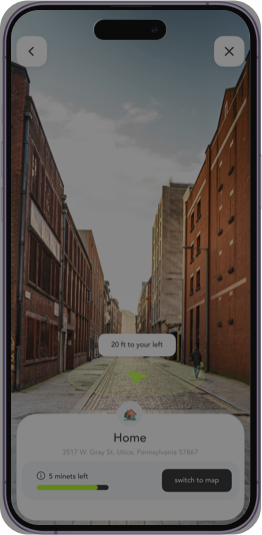
The field of location technology continues to evolve rapidly. We can anticipate even greater accuracy, especially indoors, with advancements like Ultra-wideband (UWB) technology. Augmented Reality (AR) will likely integrate more seamlessly with mapping services, providing immersive navigation experiences. Furthermore, privacy controls are expected to become even more granular, giving users unprecedented command over their location data. This constant innovation ensures that knowing ‘where I am right now’ will only become more precise, intuitive, and secure.
Conclusion
The ability to instantly know ‘where I am right now’ on a map is a cornerstone of modern convenience and safety. From intricate GPS constellations to local Wi-Fi networks, a complex ecosystem of technologies works tirelessly to place that precise blue dot on your screen. Understanding these mechanisms, harnessing the power of mapping applications, and, crucially, managing your privacy settings empowers you to navigate the world with confidence and security. As technology advances, our connection to our geographic position will only grow stronger, making smart and informed usage more important than ever.
Embrace the power of real-time maps, but always remember to be mindful of your digital footprint and the permissions you grant.